 GreenVital
For pet owners
Build the plan once. Adjust meals, walks, and other tasks for each stay. See progress and stay in touch with your sitter.
PetShift
Share your pet’s routine with a sitter you trust. They see what needs doing. You see updates, photos, and a record of care.
Private beta · For owners and sitters who already know each other
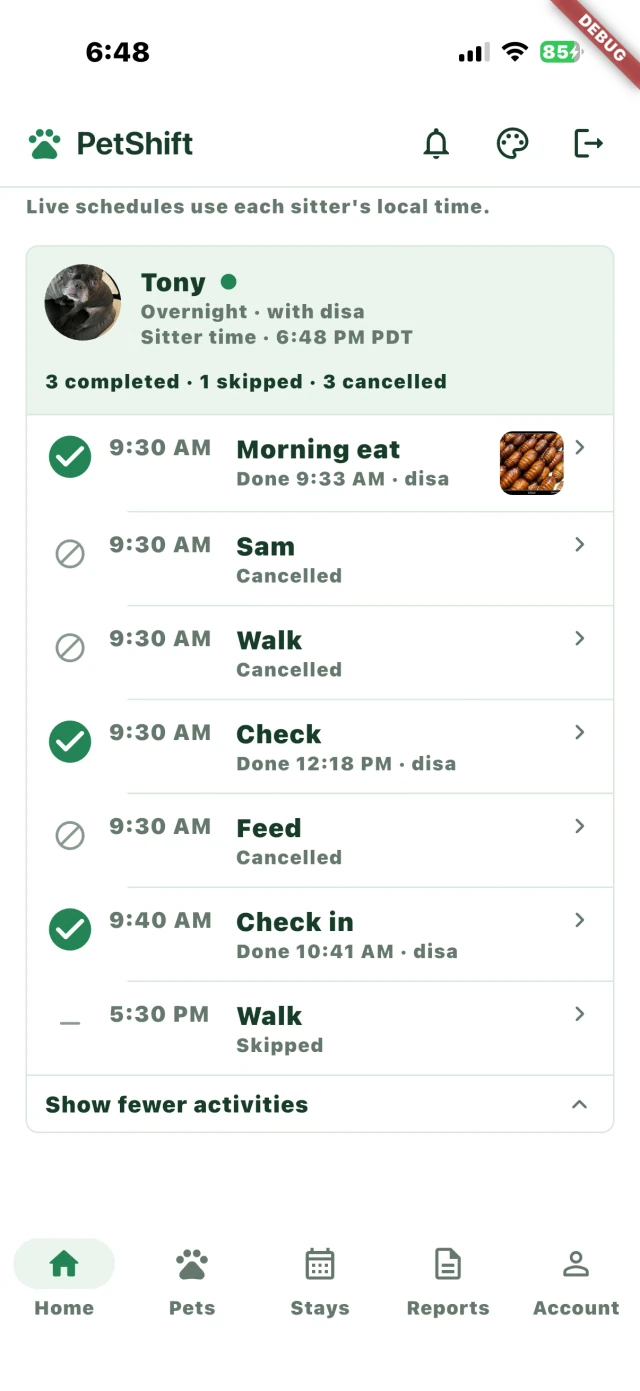
Build the plan once. Adjust meals, walks, and other tasks for each stay. See progress and stay in touch with your sitter.
See today’s tasks and important contacts. Mark tasks complete, skipped, or cancelled, and add a note or photo when helpful.
Save care instructions, routines, preferences, and emergency contacts.
Choose the dates and adjust care times for this stay.
Send a private invitation to someone you trust.
See tasks, notes, photos, and care summaries as your sitter adds them.
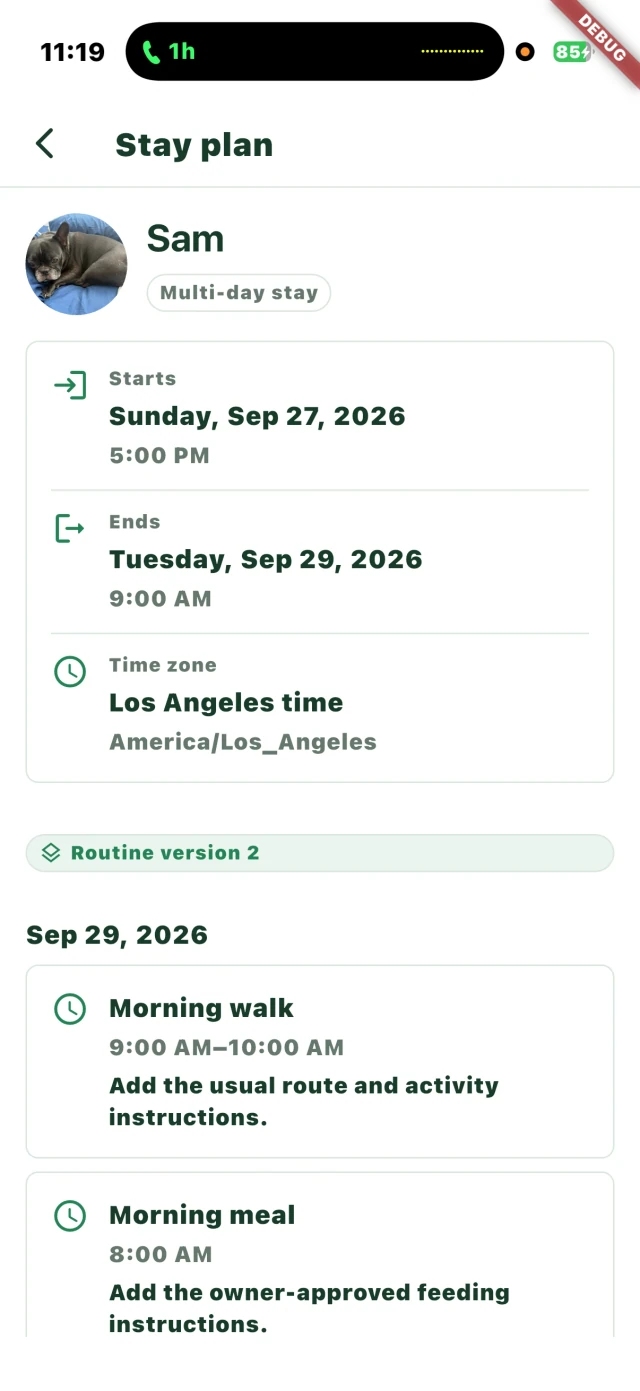
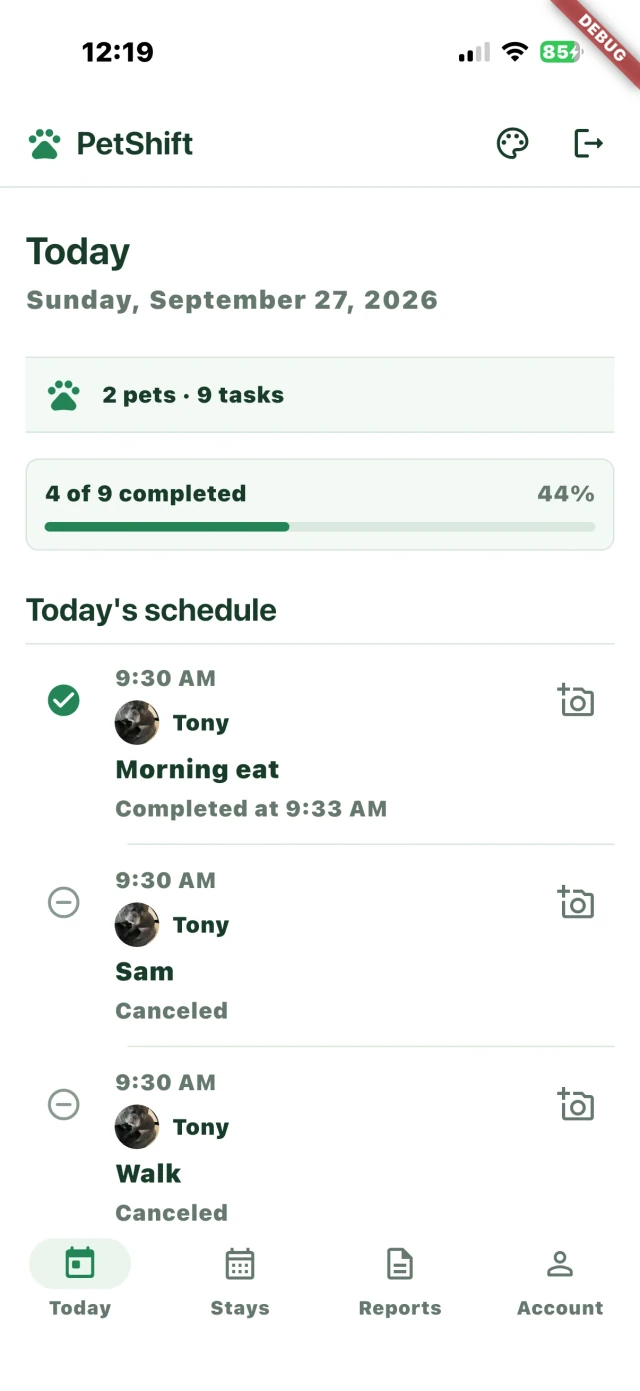
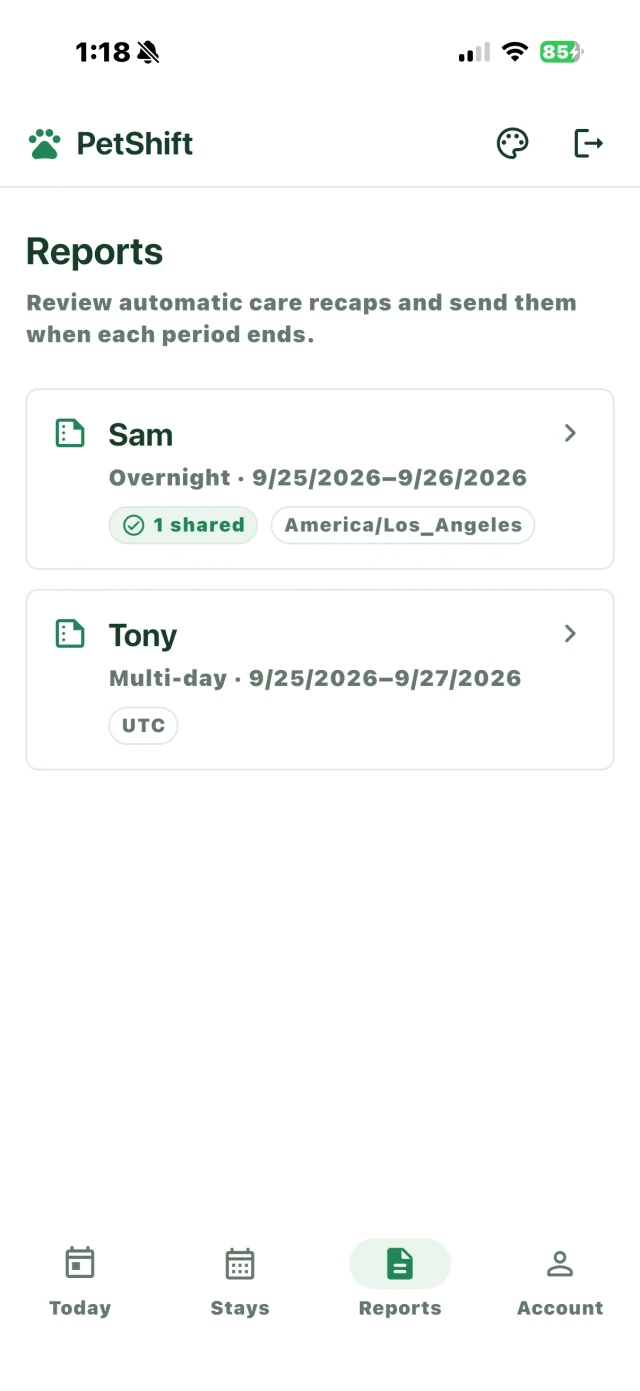
Invitations give your sitter access to the care information for their assigned stay. PetShift does not find or book sitters, take payments, track GPS location, or independently verify that care happened.
For an urgent pet health or safety concern, contact the owner, a veterinarian, or local emergency help directly.