 GreenVital
Choose your apps
Decide which apps and categories you want to set boundaries around.
Back to Life
Set times to put distracting apps aside. Back to Life helps you protect time for work, rest, and the people around you.
For iPhone · In-app subscriptions available
Decide which apps and categories you want to set boundaries around.
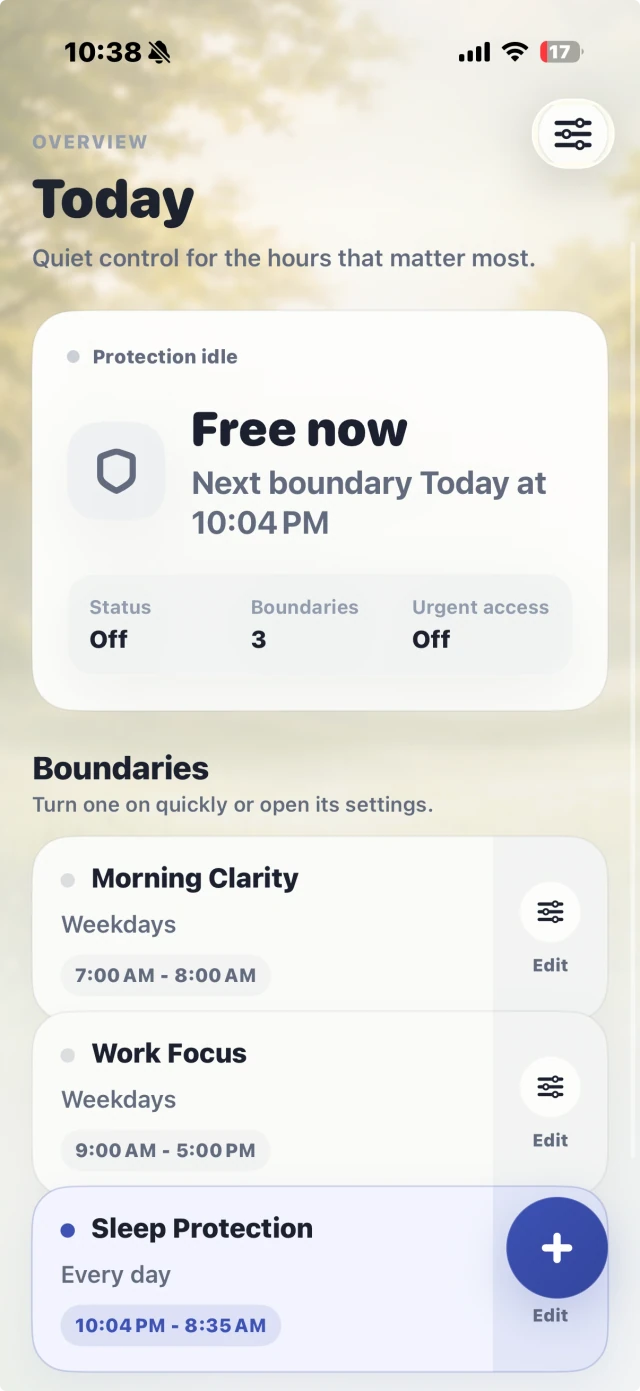
Make a plan for mornings, work hours, evenings, or sleep.
Check your protection status and adjust your schedule in the app.
Allow the Screen Time permissions the app needs.
Pick the apps and times you want to manage.
Review your schedule and make changes when you need to.