Mac
Install the Mac companion
Download and open Offline Vault Companion for Mac when it becomes available, then allow local-network access if macOS asks.
Private media, without a subscription
Offline Vault pairs your iPhone with your own computer over the same local network, so your media can stay organized, transfer in the background, and play anywhere.
 iPhone app
A direct route from computer to iPhone
Follow these steps once, then transfer supported media whenever your iPhone and computer are on the same local Wi-Fi network.
Install Offline Vault on your iPhone when it becomes available, then open the app.
Install Offline Vault Companion on your Mac or Windows computer. See the platform notes below.
Connect the computer and iPhone to the same local Wi-Fi network before pairing.
On the computer, choose the folder containing your supported media and select Start Sharing.
On iPhone, open Transfers, scan the QR code shown by the companion, then approve the connection.
Browse the supported media available from the shared folder and transfer selected files to your phone.
Open transferred files from your Offline Vault library, even when your computer is no longer connected.
Mac
Download and open Offline Vault Companion for Mac when it becomes available, then allow local-network access if macOS asks.
Windows 10 / 11
Download and run the one-file EXE. Because this build is self-signed and untimestamped, Windows may show SmartScreen; choose More info, Run anyway, then approve UAC. Manual package files remain available for advanced installation.
Open verified Windows downloadsWhile sharing
Choose a different shared folder on the computer and the available media refreshes automatically on iPhone. Stop sharing or close the companion, and the phone disconnects. Files already transferred to iPhone remain available offline.
No connection?
Designed around ownership
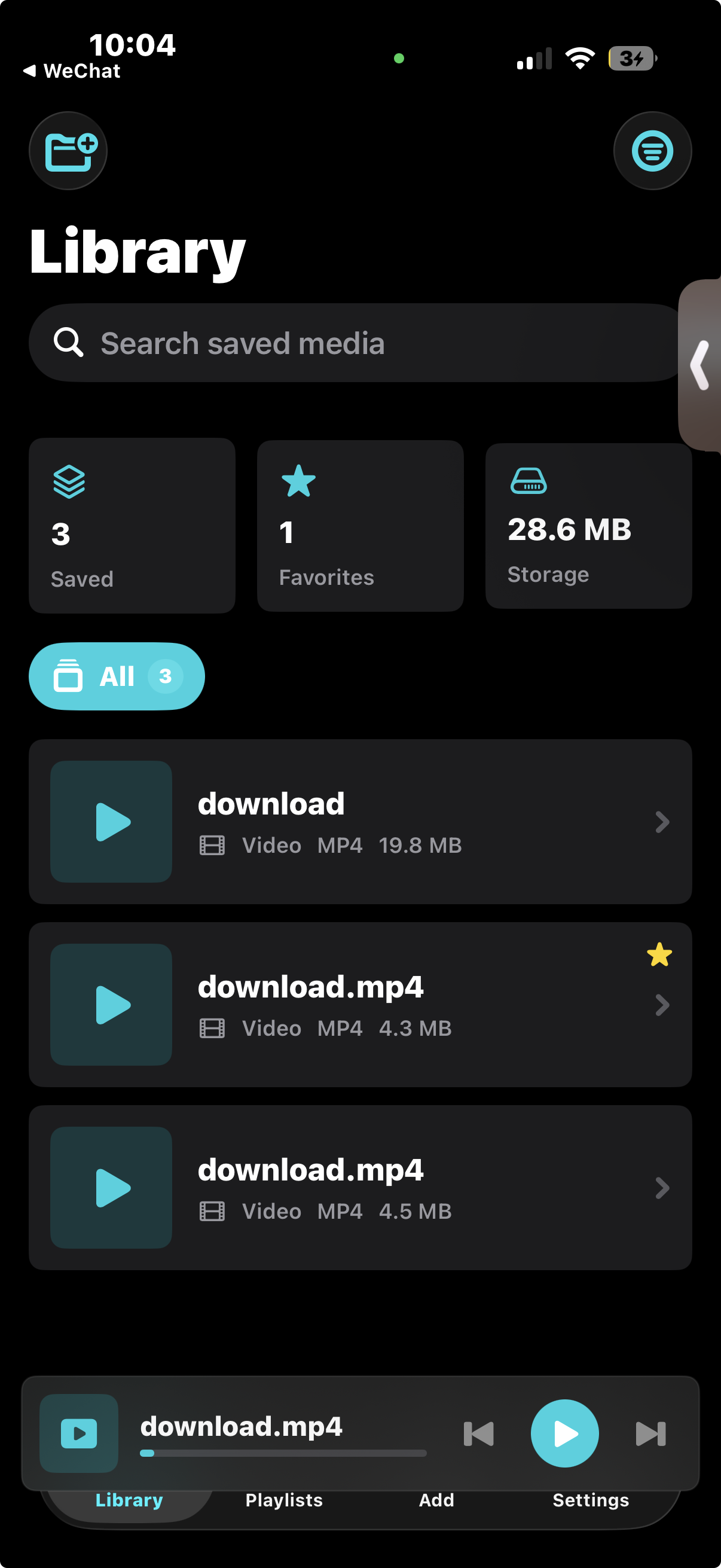
Import compatible files directly from Files or connect your own computer. Offline Vault keeps playback, organization, and storage controls together on iPhone.
Ready before you leave
Background transfers prepare selected audio and video for local playback. Artwork, playlists, favorites, and widgets make the saved library feel at home on iPhone.
Private by design, precise in its claims
Move selected items and playlists into a private folder protected by the app’s local passcode. Offline Vault does not need Photos or Apple Music access to manage files saved inside its library.
Keep selected media and private playlists behind the app’s own local passcode.
Review space used, largest files, and cached artwork from one storage view.
The included companion lets your own computer remain the source of your library.
Offline Vault Companion
The companion is included with Offline Vault. Select a folder, start sharing, and pair your iPhone by scanning the QR code while both devices are on the same Wi-Fi.
Choose a folder containing your files, start sharing, and pair with your iPhone on the same local network.
Version 1.0.1 uses a one-file installer. This build is self-signed and untimestamped, so Windows may show SmartScreen. It is not a Microsoft Store or generally trusted installer.
The certificate download is the public .cer only. GreenVital will never ask for a private key or PFX.
Need help with pairing or transfers? Email Offline Vault support or visit the GreenVital download center.
The complete package
One-time iPhone app purchase. The macOS and Windows companion is included at no extra cost.
No. The planned price is $19.99 as a one-time purchase.
Yes. The Offline Vault Companion for macOS and Windows is included at no extra cost.
Version 1.0.1 supports Windows 10 version 1809 or newer and Windows 11. The recommended EXE installs the embedded public certificate and app. Because the build is self-signed and untimestamped, Windows may show SmartScreen before installation.
Yes. Keep both devices on the same local network while pairing and transferring selected files.
Yes. Compatible audio and video files can also be imported from Files on iPhone.
Not currently. A hosted option may be considered later, but no availability or price has been announced.