 GreenVital
StoragePilot
Make sense of your phone’s storage.
See what takes up space on your Android phone. Review your files, make smaller copies, and choose what to keep.
For Android · Google Play release coming soon
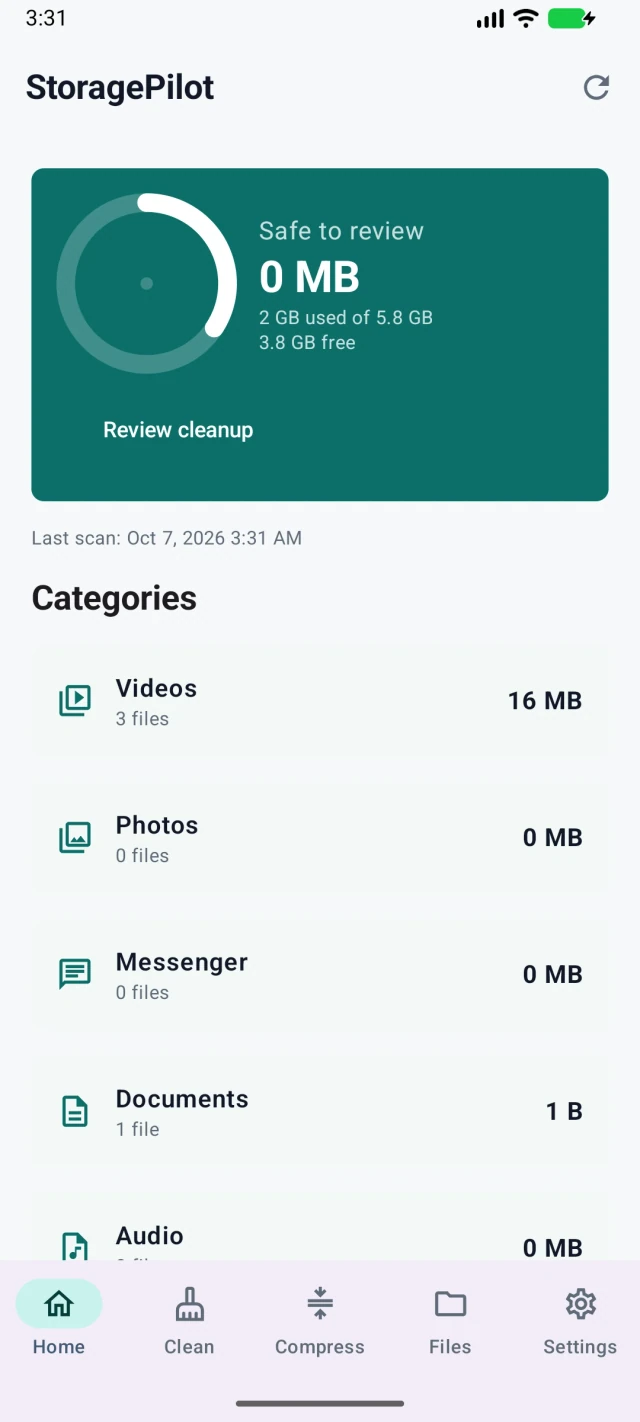
Three steps to a clearer phone.
-
See your files
Allow access to the photos, videos, audio, documents, or folders you want to review.
-
Review your options
Look at storage categories and decide which files need attention.
-
Choose what changes
Compress, restore, or remove selected files. You approve changes before they happen.
Your files stay on your device.
StoragePilot does not upload your files, thumbnails, paths, scan results, or compressed copies. No account is required.
The free version uses Google AdMob. Advertising data is handled separately from your files. After Pro access is confirmed, the app makes no ad requests.
Read the full privacy policyNot available to download yet.
We are preparing StoragePilot for Google Play. You can read the support and privacy pages while we get it ready.
Visit support